 Andrey's Plugins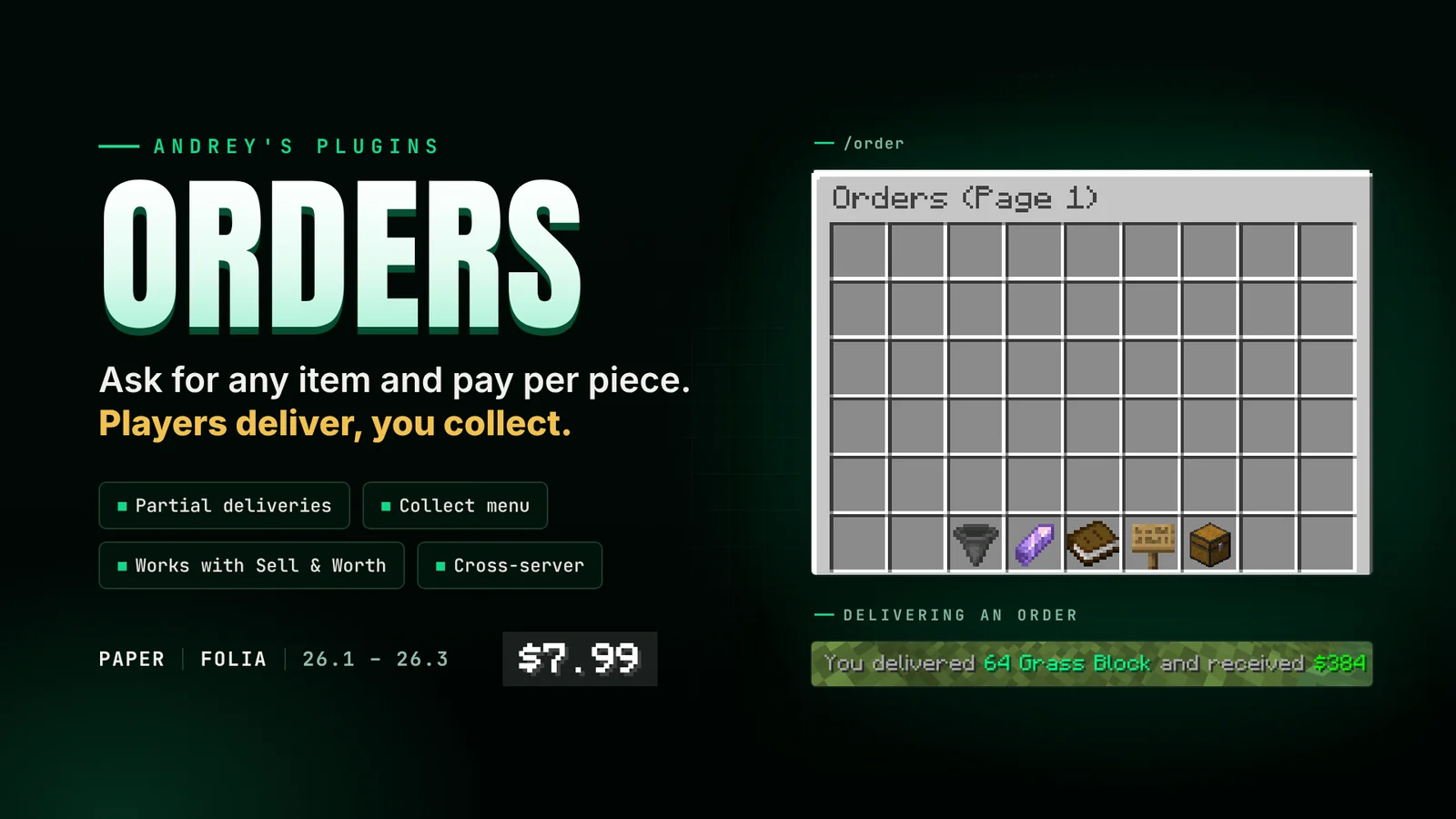
Orders lets players ask for the items they need. A player picks an item, how many and the price per piece, and the money is held up front. Anyone can then deliver any amount and gets paid for each piece straight away. The delivered items wait in the order's Collect menu.
What it does
- Orders menu:
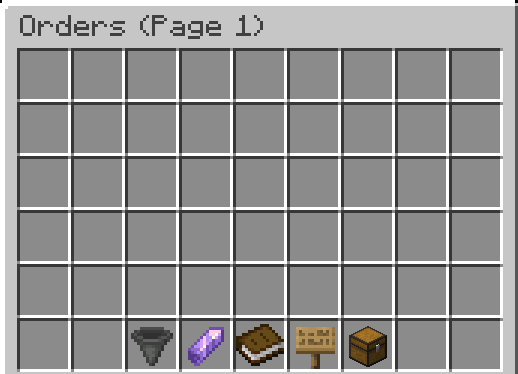
/ordershows every open order across as many pages as you need. Sort by most paid per item, most paid in total or recently listed. - Search:
/order <search>or the sign button, with the same short names as the item search. - Creating an order: pick the item from a searchable list, choose enchantments, then the amount and price per item, and check it all on a review screen.
- Delivering: put the items in, confirm, and get paid. Deliver as many or as few as you like; the order stays open until it's full.
- Collect menu: delivered items wait here for the owner, with an estimated value for each stack.
- Your Orders: see every order you made, cancel one to get back the money left on it, and collect what was delivered.
- Expiry and refunds: orders run for 7 days. When one expires or is cancelled, the money left on it is refunded automatically.
- Offline players: owners are told what was delivered while they were away, and refunds are paid even when offline.
- Works with Sell & Worth: if you also use my Sell & Worth plugin,
/sellcan fill orders that pay more than the item's worth. Off by default. - Cross-server: SQLite out of the box, or MySQL, MariaDB or MongoDB with Redis to share orders between servers.
- Folia support: runs on Paper and Folia 26.1 to 26.3.
Commands
| Command | What it does | Permission |
|---|---|---|
| /order [search] | Opens the orders menu, optionally filtered | everyone |
| /order admin <player> | Opens another player's orders to view or remove them | orders.admin |
| /order reload | Reloads the config files | orders.admin |
/orders works the same as /order.
Permissions
Players get 18 order slots by default. Give orders.slots.<amount> for more, the highest one wins. orders.admin is for operators.
Placeholders
For scoreboards, tab and menus (needs PlaceholderAPI):
%orders_total%: open orders on the server%orders_count%,%orders_active%,%orders_completed%,%orders_limit%: the player's own orders and slot limit
Config
Every menu, slot, icon, lore line, sound, message and dialog text can be changed, and any button can play several sounds at once. You can set how long orders run, when closed orders are deleted, the minimum and maximum price, a tax on deliveries, and how long the "Delivering..." animation takes. One button in the menu runs a command of your choice (a shard shop by default) and can be renamed, changed or removed. The blacklist works the same as in my Auction House.

Good to know
- Requires Java 25, Vault and an economy plugin.
- The server needs internet access on first start to download the database libraries.
- You'll need a license key. Link your Discord to BuiltByBit, run
/syncin my Discord, then/license receive. - Support: my Discord