
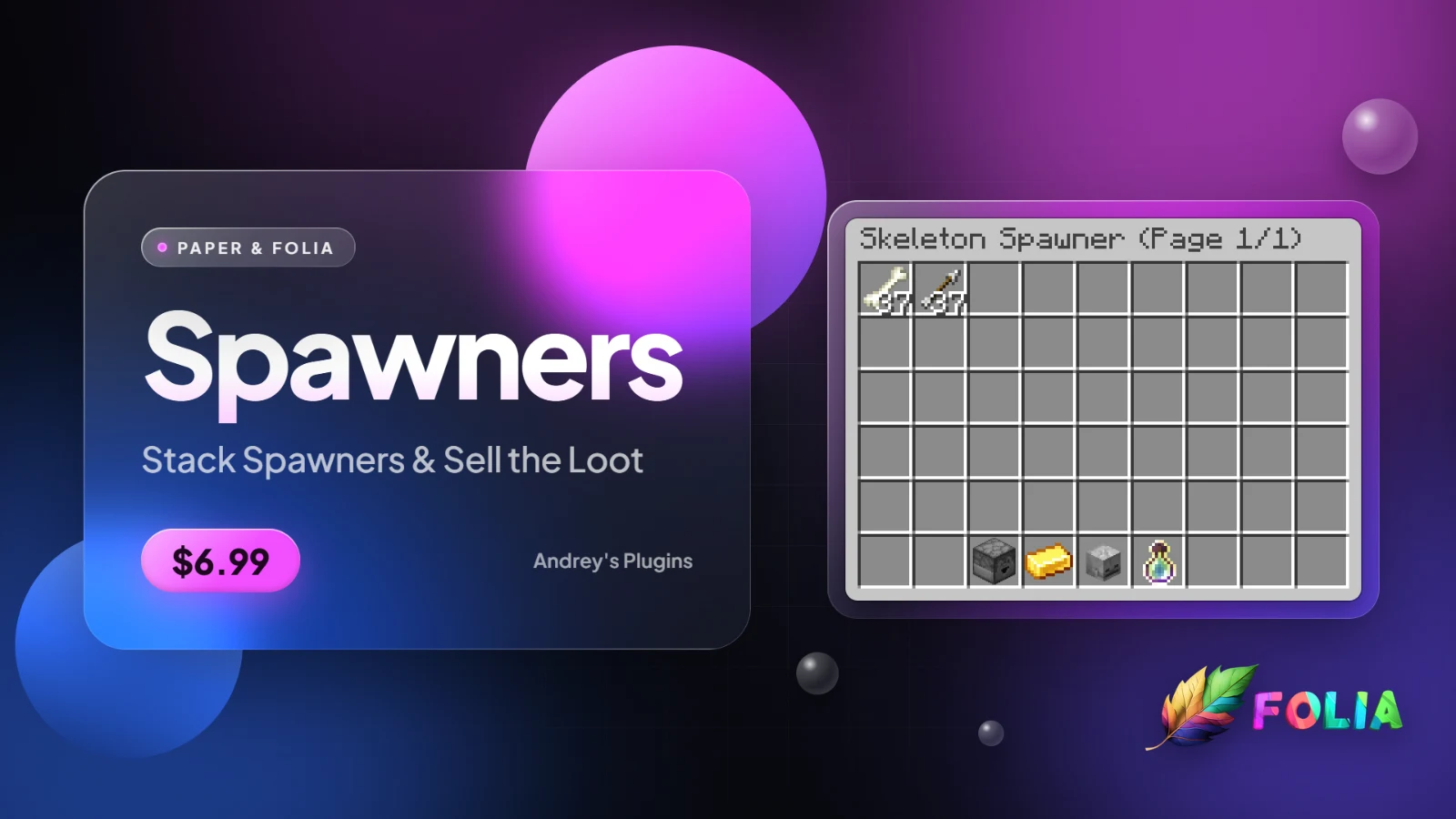
Spawners turns spawners into stacks that store their loot. Players place spawners and stack them with a right-click. Instead of spawning mobs, every spawner collects drops and XP inside it, in a double chest menu with pages. Players take the items, sell them, collect the XP or drop a page straight into their farm. Admins get a panel with every spawner on every server, with teleport and delete.
Placing and stacking
- Any spawner item: spawners from
/spawners give, from Silk Touch, from my Storefront plugin or from any other plugin all work, as long as the mob is inspawners.yml. - Stacking: right-click a spawner while holding a spawner of the same mob to add one. Sneak + right-click adds every spawner in your hand. Up to 1,000 in one stack by default.
- Every spawner has its own owner: if one player put 7 spawners in a stack and another player added 1, clearing the second player removes only their 1.
- No mix-ups: a spawner of a different mob places a new spawner, and spawn eggs can't change the mob.
- No setup for players: placing, stacking, mining and opening spawners need no command and no permission.

Mining
- Silk Touch pickaxe: mining takes one spawner, or up to 64 when sneaking. Your own spawners are taken first.
- No lost stacks: without Silk Touch the spawner doesn't break, and a message says why.
- Empty it first: the last spawner of a stack can't be mined while it still has items or XP inside.
- Safe from mobs and explosions: TNT, creepers, withers and other mobs can't break a stacked spawner.
- Natural spawners: dungeon, fortress and mineshaft spawners stay vanilla. Mine one with Silk Touch and place it again, and it becomes a stacked spawner. Trial spawners are never touched.

Loot storage
- No mobs, just loot: every 25 seconds each spawner in a stack makes the drops and XP of one mob and stores them inside. A stack of 10 makes 10 times as much.
- Only when players are near: loot is only made while a player is within 16 blocks, like vanilla spawners. Spawners in empty areas cost the server almost nothing.
- 35 mobs ready to go: zombies, skeletons, blazes, endermen, wither skeletons, breezes, iron golems, animals and more, with real drop chances. You can change every drop and add more mobs.
- Fair XP: 1 XP per mob by default (blaze 2, golems 0), so spawners don't hand out levels faster than fighting.
- Storage grows with the stack: every spawner adds one page of 45 slots and room for 1,000 XP. When the pages are full, items stop and XP keeps coming, and the other way around.
The spawner menu
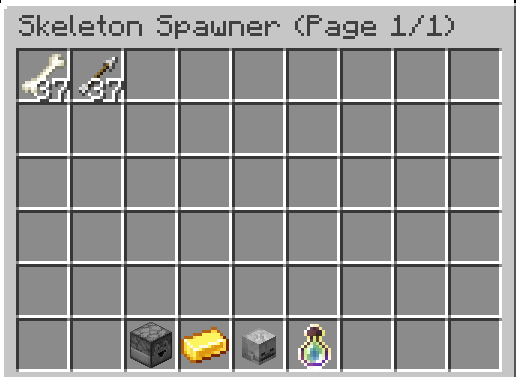
- Works like a chest: click to pick up a stack, right-click for half, shift-click to move it to your inventory, Q to throw one and Ctrl+Q to throw the stack. Your own inventory works normally, so you can place the item anywhere or click outside to throw it. Nothing can be put into a spawner.
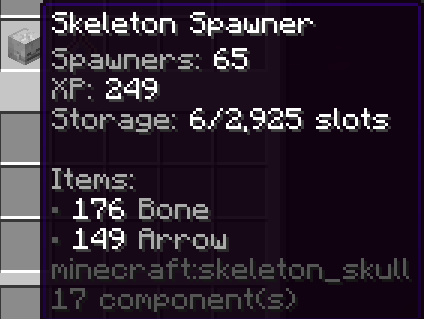
- Mob head: shows the stack size, the stored XP and how much of every item is inside.
- XP bottle: collects all the stored XP. It repairs Mending gear the same way XP orbs do.
- Gold ingot: sells every item in the spawner, from every page, at the prices in
worth.yml(default prices included), and pays through Vault. Items without a price stay inside. - Drop page: throws the items on the current page in front of you, the same as pressing Q, so they land in your farm's hoppers or water. The other pages stay.
- Shared spawners: several players can have the same spawner open. Every menu updates, and the same items can never be taken twice.
Admin panel
- Every spawner in one menu:
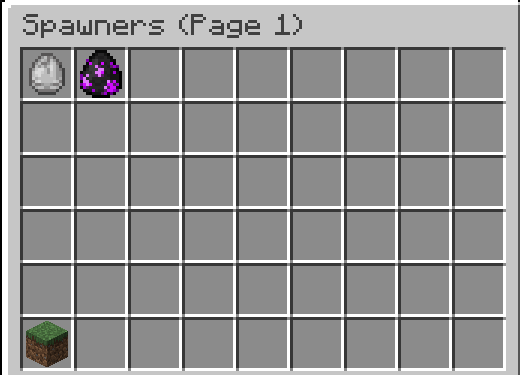
/spawners panellists every stacked spawner, newest first, with pages. - Pick the dimension: the button in the bottom-left corner switches between the Overworld, the Nether and the End.
- All the details: each spawner shows the mob, stack size, owners, server, world, coordinates, the date it was placed, and the items and XP stored inside.
- Teleport: left-click a spawner to teleport on top of it, also when it's on another server.
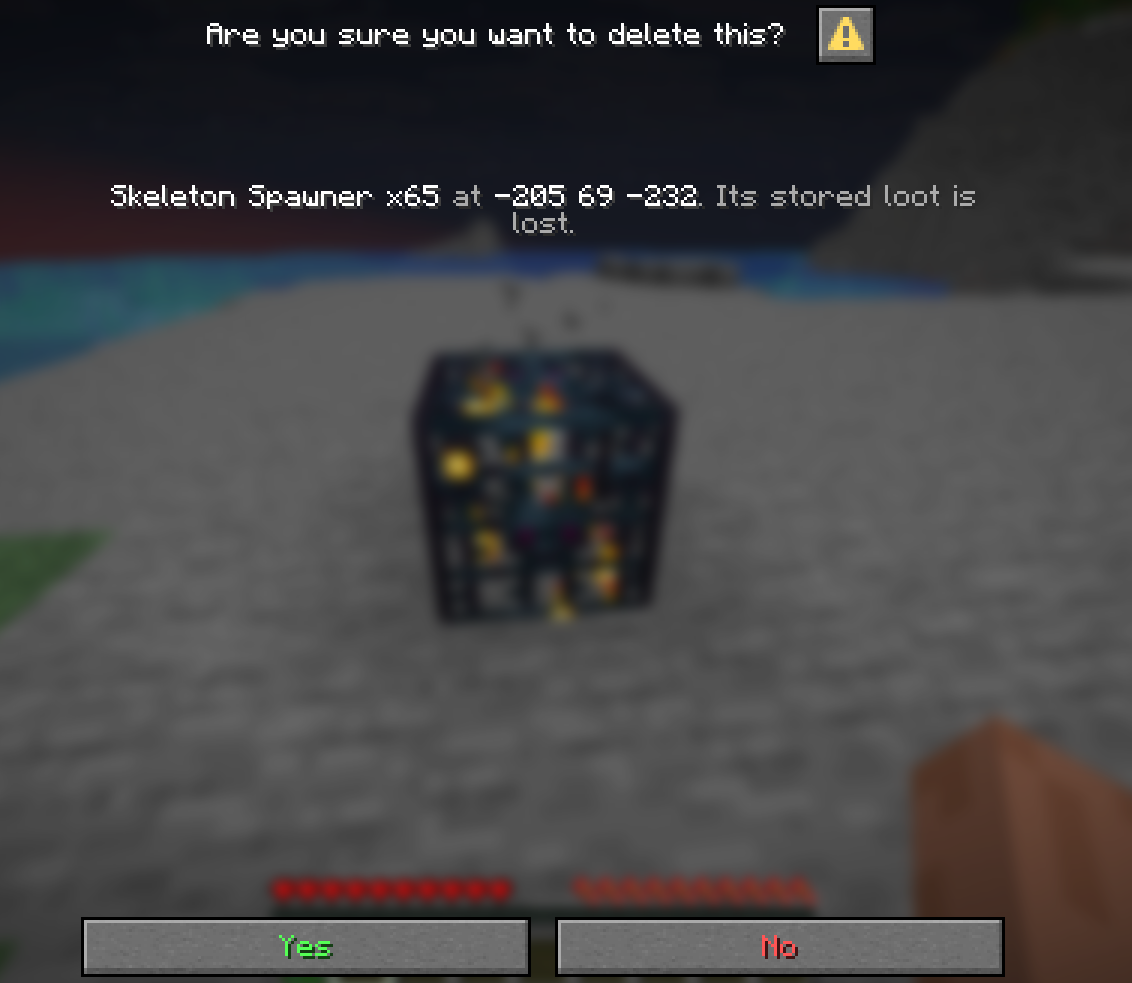
- Delete: right-click a spawner and confirm to remove it with everything inside. The panel refreshes on the same page.
- One player:
/spawners panel <player>shows only the stacks with that player's spawners, also for offline players.
Cross-server
- One panel for every server: servers that share a MySQL, MariaDB or MongoDB database and Redis see each other's spawners in the panel.
- Everything works across servers: teleport, delete,
/spawners clearand/spawners givefind the right server and player on their own. - Teleport through the proxy: clicking a spawner on another server sends you there through Velocity and puts you on top of it.
- Offline servers: a delete or clear for a server that's offline is saved and done the next time it starts.
Built for big servers
Tested with 500,000 spawners (5,000 stacks of 100) and 101 players nearby: the server stayed at 20 TPS, the panel opened in under 0.2 seconds and all the stacks loaded in about a second at startup. Loot is made in the background, never during server ticks, on Paper and Folia alike, and changes are saved to the database in one batch every 30 seconds.
Commands and permissions
/spawners give <mob> <player> [amount]- gives spawner items. Permission:spawners.give./spawners clear <player>- removes every spawner the player placed (only theirs in shared stacks) and the spawner items in their inventory, on any server. Permission:spawners.clear./spawners panel [player]- opens the admin panel, for every spawner or for one player. Permission:spawners.panel./spawners reload- reloads every config file. Permission:spawners.reload.- All permissions are for ops by default. Players need none.
Config
You can change how often spawners make loot, how many mobs each spawner counts as, the player range, storage pages and XP per spawner, the max stack size, and the spawner item name and lore. spawners.yml has every mob with its name, head, XP and drops (amount and chance), and you can add more. worth.yml has the sell prices. Every slot, icon, lore line, title and sound of the menus is in menus.yml. Every message supports & color codes and hex colors, can be shown in chat or above the hotbar, and can be left empty to turn it off.
Good to know
- Requires Java 25. Vault is only needed for the sell button.
- Storage: SQLite by default, or MySQL, MariaDB or MongoDB. Changing the storage needs a restart.
- Stacked spawners never spawn mobs. All the loot goes into the spawner.
- You'll need a license key. Link your Discord to BuiltByBit, run
/syncin my Discord, then/license receive. - Guide: https://docs.andreyy.online